
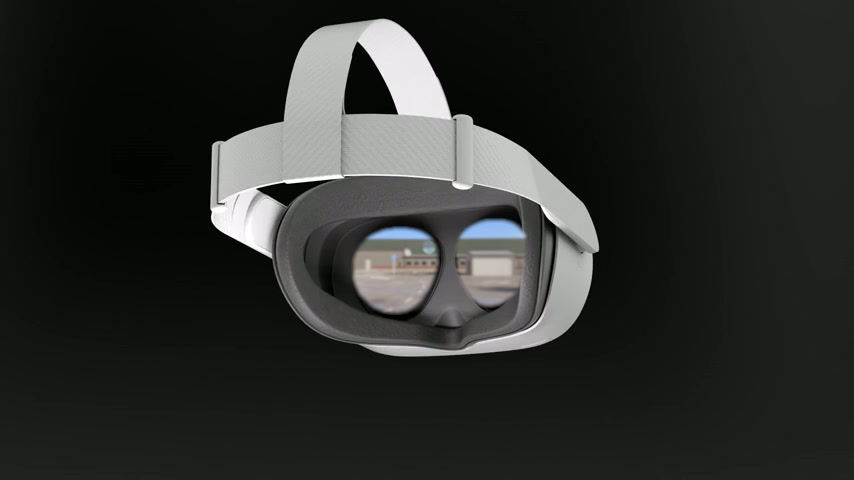

Step into the ecoPlant in VR
Welcome to the Clean Planet ecoPlant VR interactive experience! Here, can immerse yourself in a virtual environment designed to showcase sustainable practices and innovations.
This page will guide you through the steps explore the ecoPlant using your Meta Quest 2, 3 3S, or Pro headset.
Get ready to embark on exciting journey toward a cleaner, greener future!
Requirements: Meta Quest 2, 3, 3S or Pro
Not got a Meta Headset? No Problem. Go here!
Step by Step Instructions
01.
Get your VRChat Account
02.
Install the app on your headset
03.
Login on your headset
04.
Invite yourself to the ecoPlant
05.
Jump in!
On a web browser (desktop or mobile) go to - https://vrchat.com/
On the top right click Login, and then at the bottom Create and Account, and follow the steps to create your account.
Put on your headset. On the Meta VR App Store, search & install the application VRChat

Open the application on your VR Headset and login with the same details. (Note: This is a VR Chat account, not a Meta account).
On your computer, go to the web browser go to https://vr.cleanplanet.net - This will redirect to the Clean planet VRChat world page (or click the button below).
(i) Click on the grey “Get unlocked Link”
(ii) Click on the link in the pop up.
(iii) From here click on “Invite Me”.
Back on your VR headset, go back to the VRChat app. You should have a notification on your wrist panel within the app. Go to the notification and as soon as you accept it you'll enter the Clean Planet ecoplant.
(note: The invite will expire after a few minutes so do Step 4 and Step 5 after each other and any time you want to re-enter)
